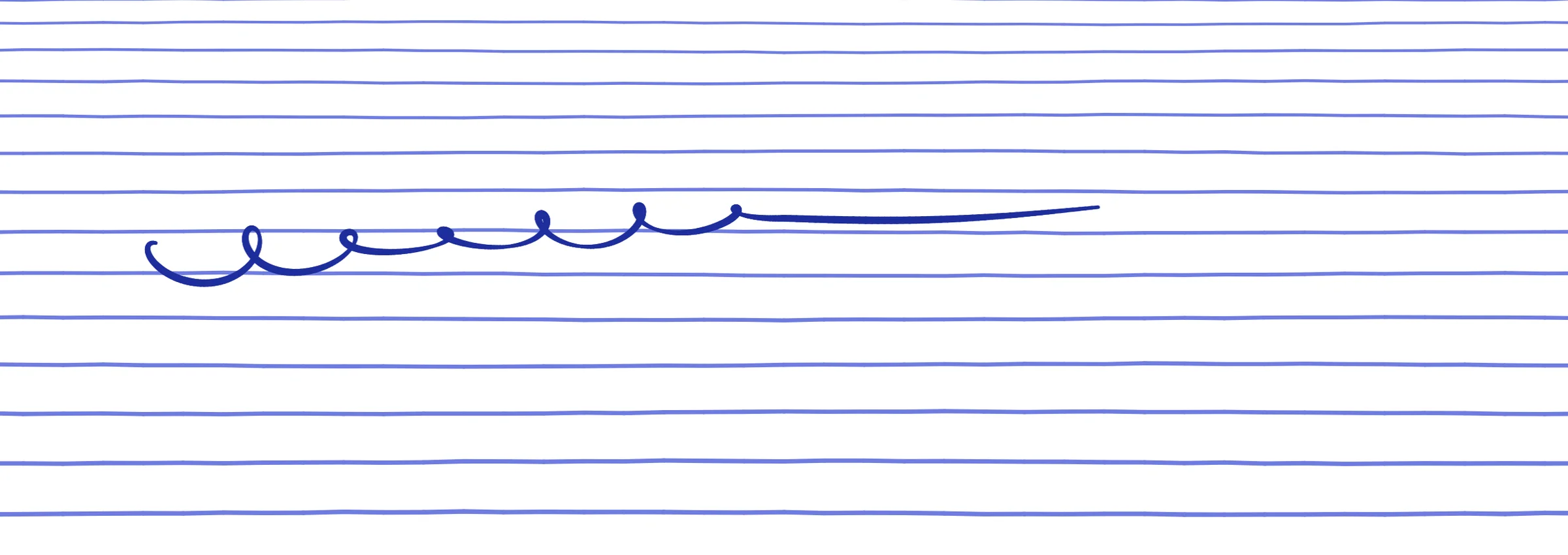
Write, type,
sketch, then sign.
Open beta — 2026A notebook you can write in, type in and mark up PDFs in. Keep lecture notes, papers, work notes and sketches in one place — and when a document needs a signature, send a link.
Notes, papers,
work & sketches.
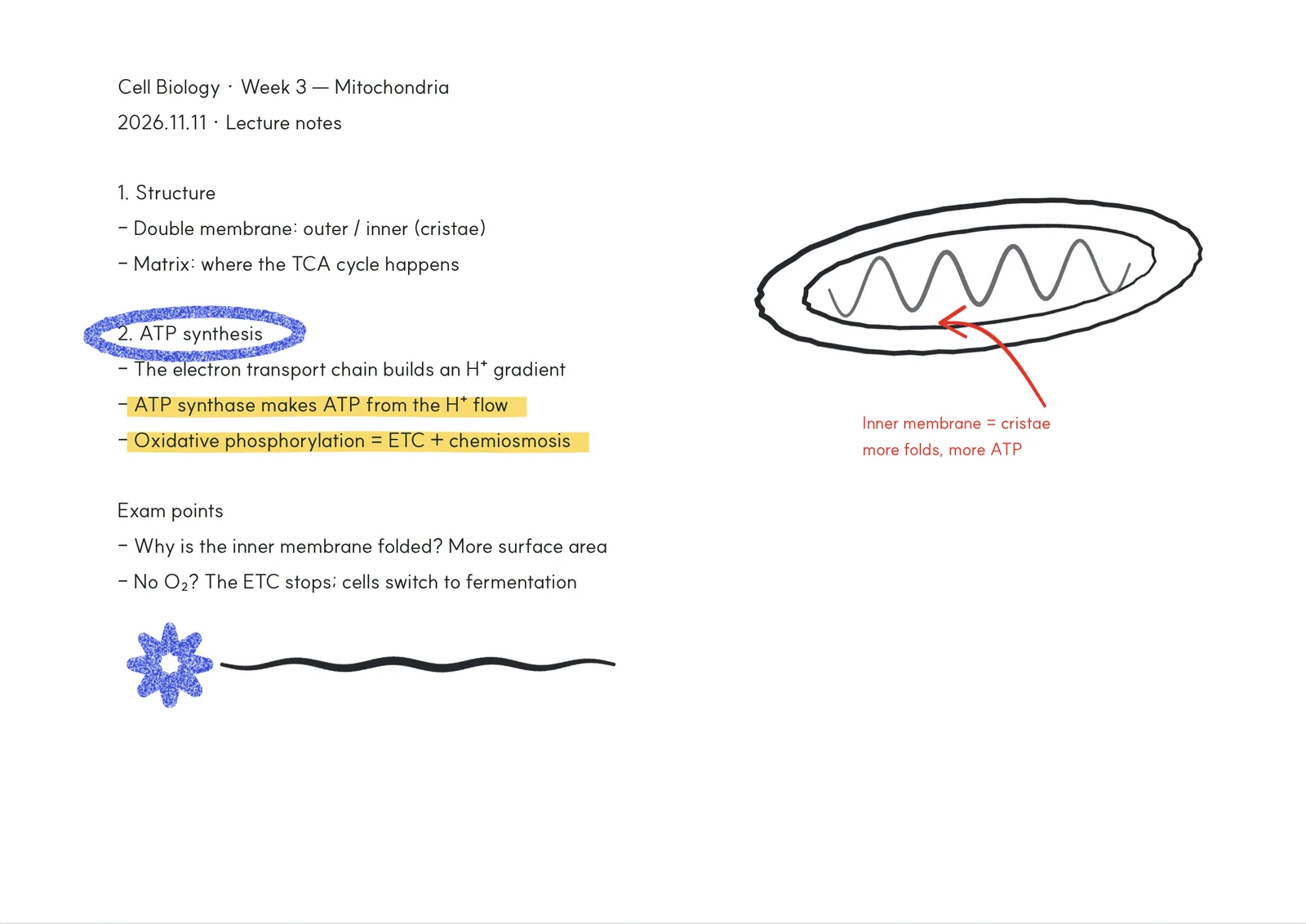
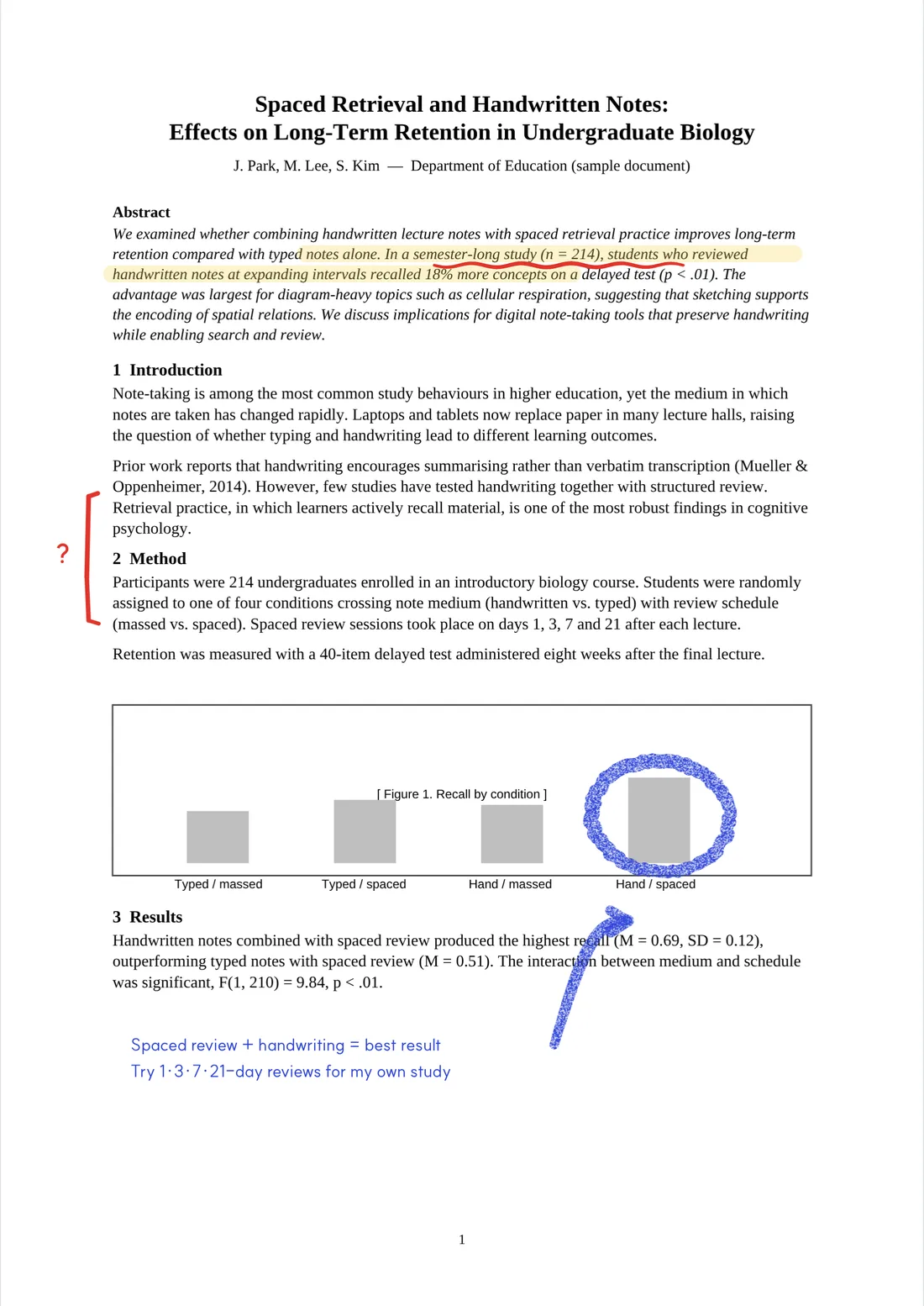
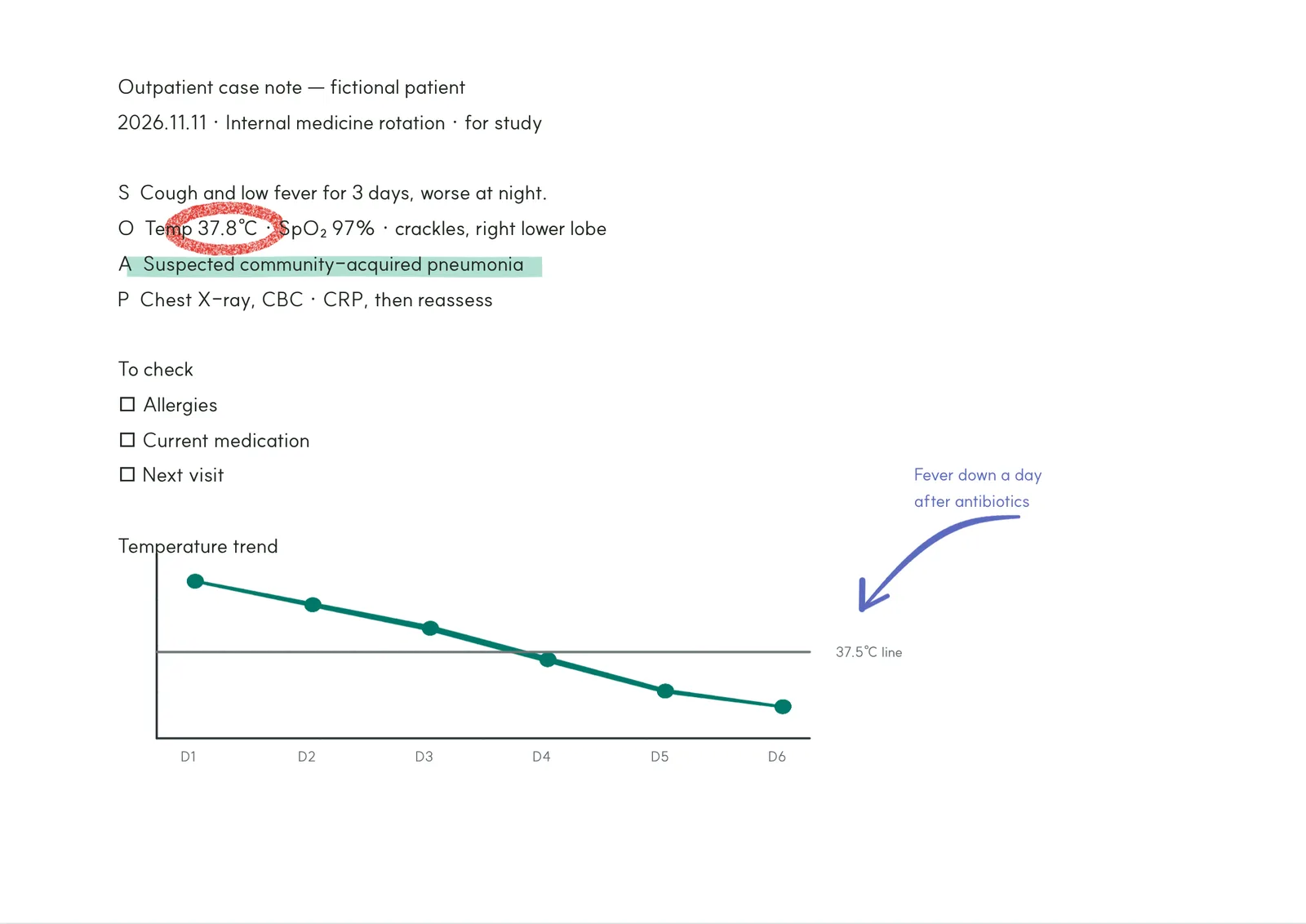
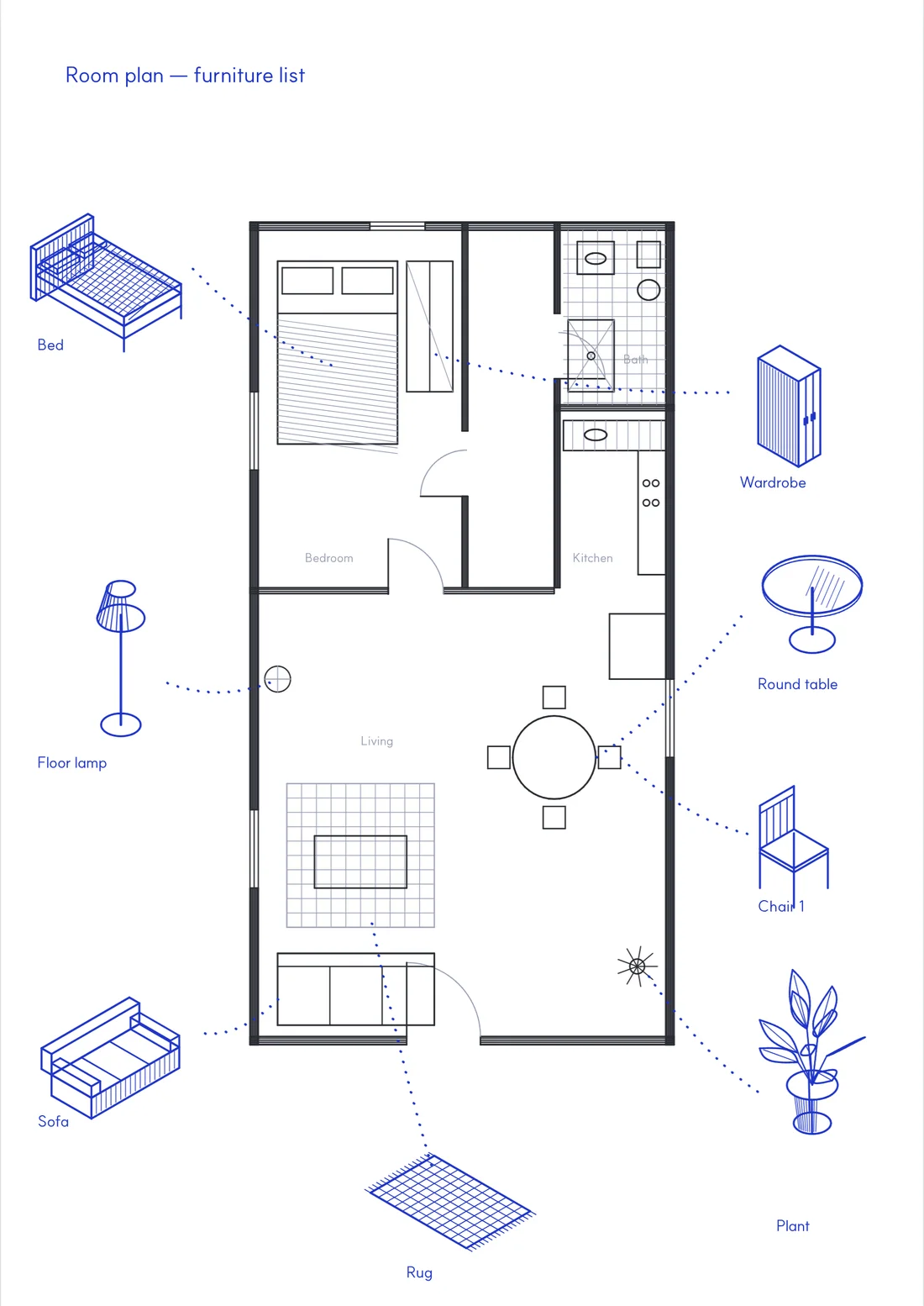
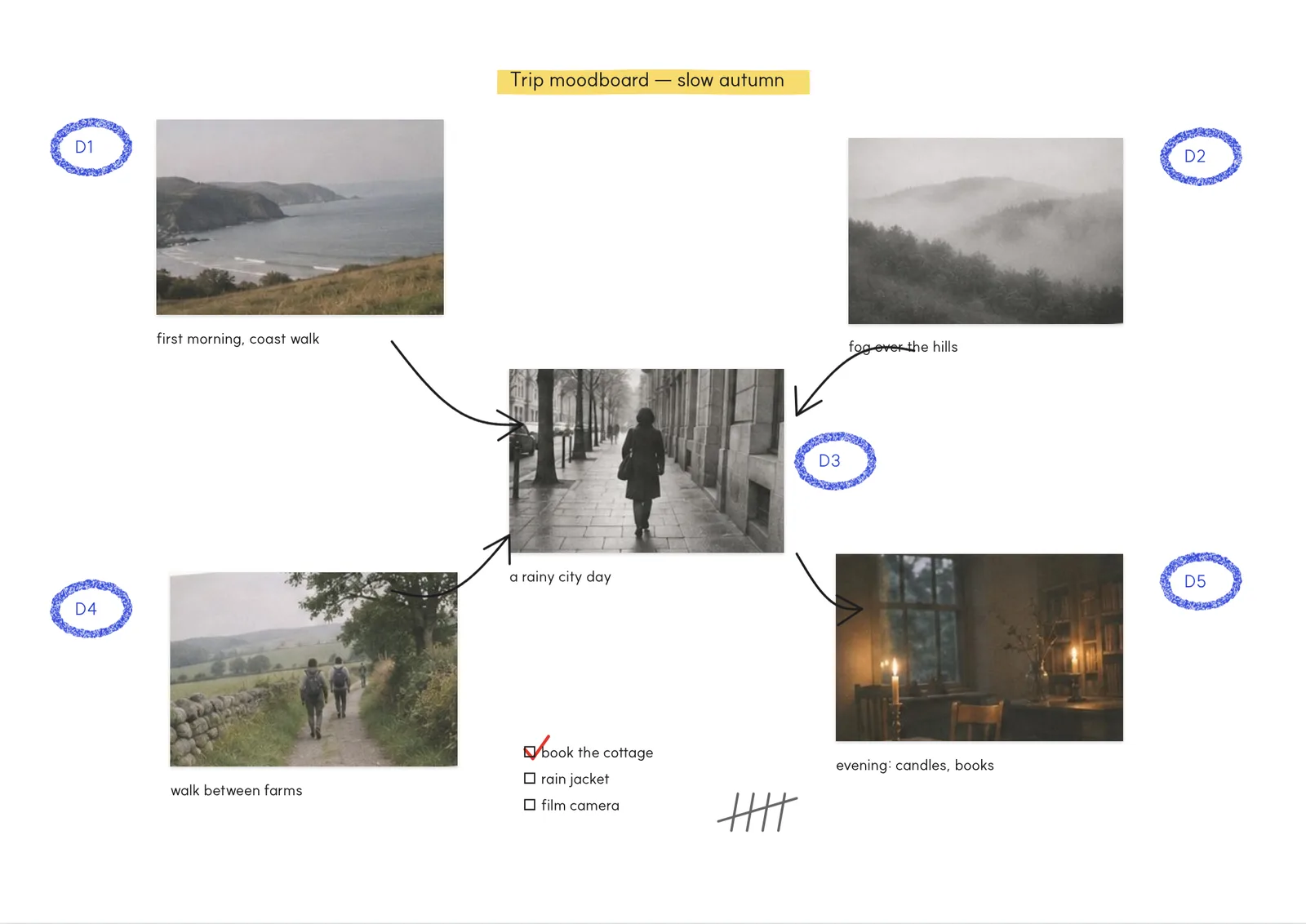
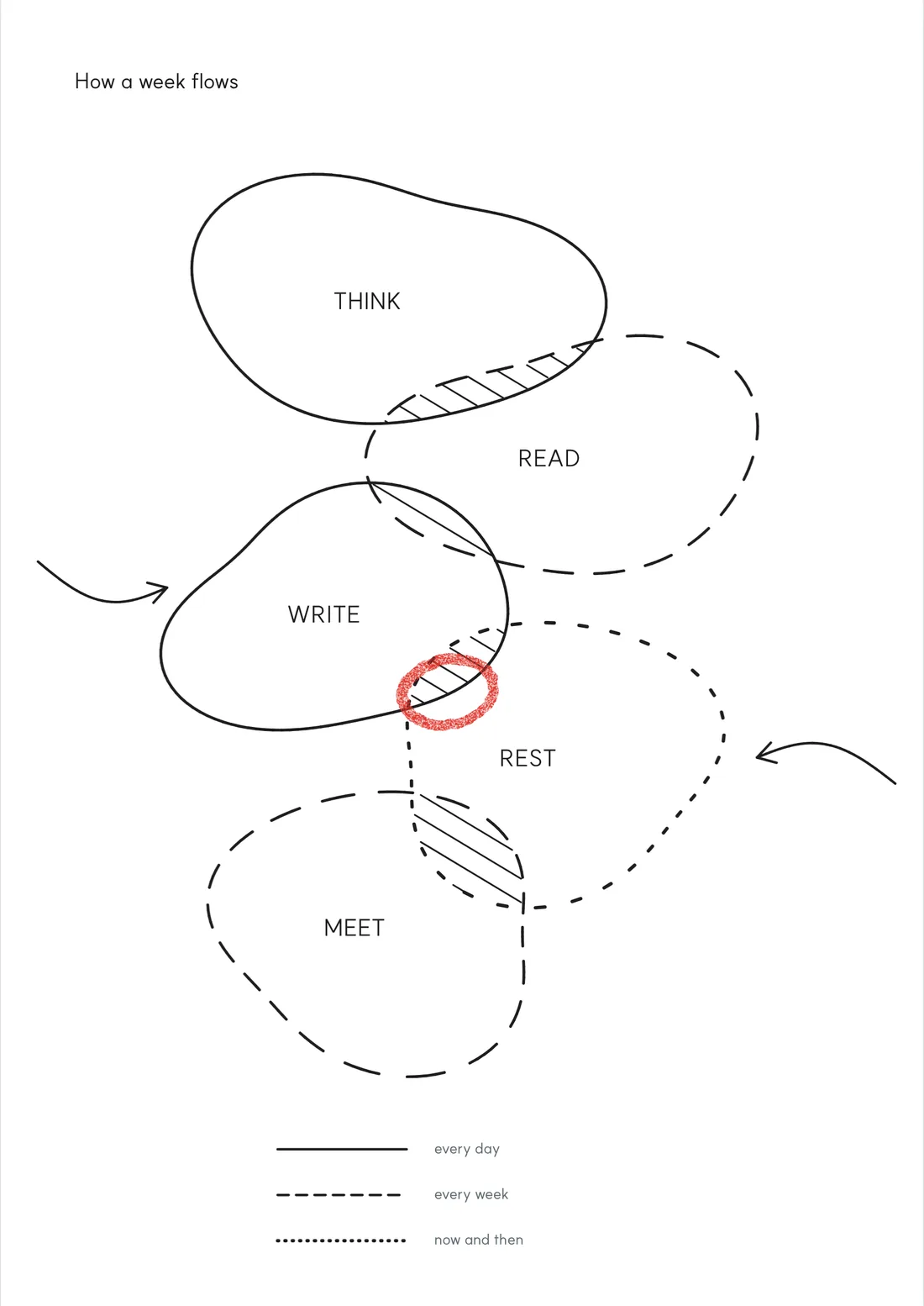
Every page below was made in Papylo.
From a blank page
to a signed one.
- 01.
Write with a pen
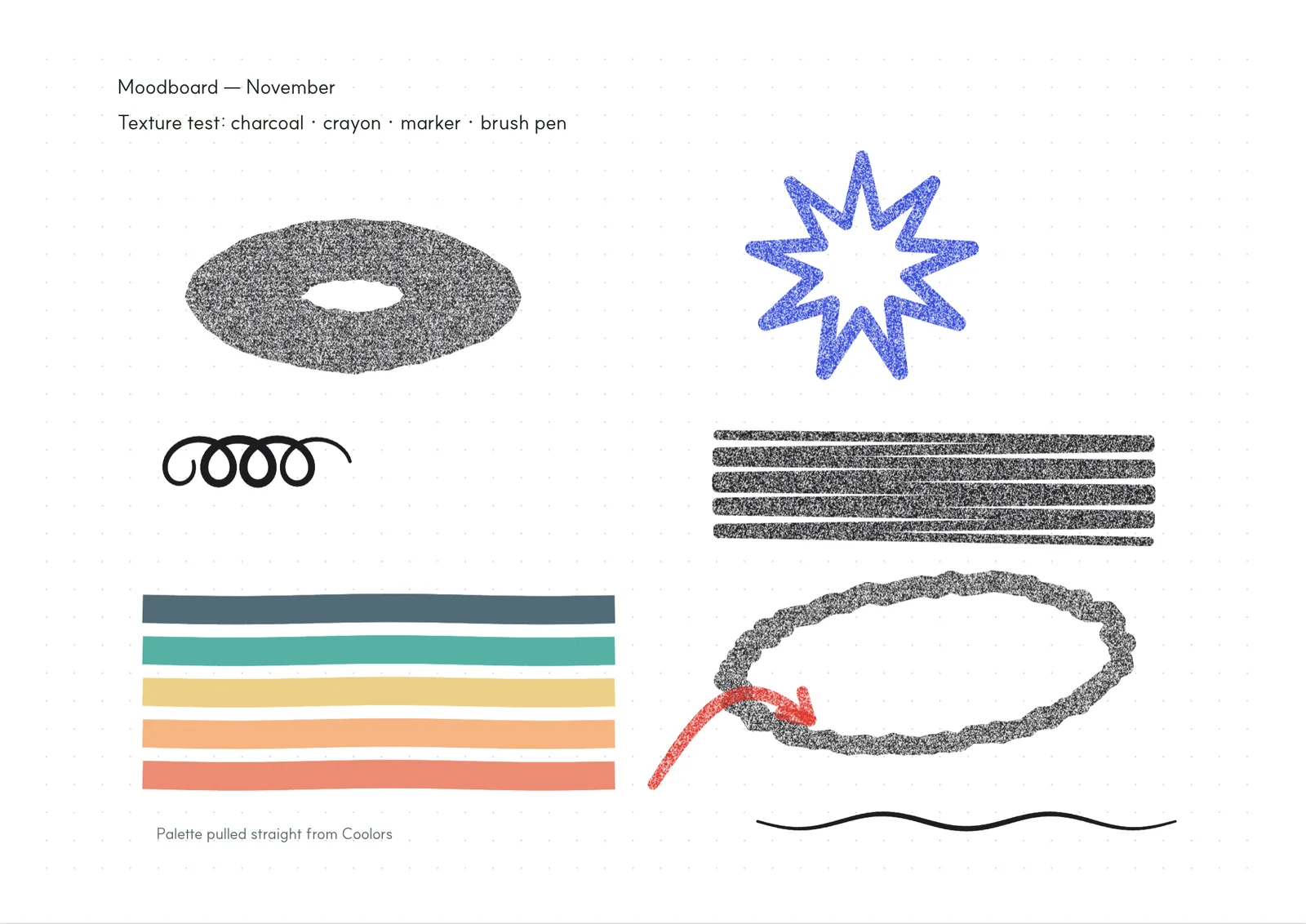
Ballpoint, fountain pen, pencil, brush pen, marker, crayon and charcoal. Pressure from Apple Pencil, S Pen and Windows pens shapes every line.
- 02.
Type with a keyboard
Press T and start typing. When a page fills up the text flows onto the next one, and you can still write over it by hand.
- 03.
Mark up any PDF
Open papers and handouts, highlight, underline and write in the margins. Slip blank pages in between and save everything as marked.
- 04.
Get it signed with a link
Place a signature field on a consent form, receipt or contract and send it. The signer confirms an email code and signs; a proof page and QR code stay with the document.
Everything
on one page.
Only what you need, ready to hand.
| Pens | Seven pens | Ballpoint, fountain, pencil, brush, marker, crayon, charcoal. Markers deepen where they overlap; crayon and charcoal keep the paper grain. |
| Typing | Typing notes | Press T to type. Text flows onto the next page automatically. |
| Photos | Photos, stickers, stamps | Drop in photos, add stickers, and stamp pages with your own seal or office stamps. |
| Palette | Import palettes | Pull pen colours from a Coolors link, hex codes or a moodboard image. |
| Mark up · save · print | Highlights and notes are saved into the PDF, texture and all. | |
| Library | Folders · tags · bookmarks | Folders up to six levels deep; gather key pages with tags and bookmarks. |
| Offline | Saved on your device first | Opens without internet and syncs to your account when you are back online. |
| Sign | Signature requests | Send a link; the signer confirms an email code, then signs. Proof page and QR included. |
Papylo signatures are simple electronic signatures based on email verification and an audit trail. For contracts that legally require certified identity verification, please use a dedicated service alongside Papylo.
Locked
by design.
Notes, papers and signed documents are protected at every step — on the way, in storage and on sign-in.
Encrypted
Everything travels over TLS and is stored encrypted with AES-256.
Verified signers
To sign, the signer must enter a six-digit code sent to their email. A forwarded link alone is not enough.
Device first
Notes live on your device and work offline. Nothing leaves it until you sign in to sync.
Tamper-evident
Signed documents carry SHA-256 fingerprints of the original and final file, with every step time-stamped.
Use what
you have.
Apps on phones and tablets, the web on laptops and desktops.
| iOS | iPhone · iPad | From the App Store. Apple Pencil pressure supported. |
| Android | Phone · Tablet | From Google Play. S Pen pressure supported. |
| Windows | Laptop · 2-in-1 | Open on the web and install as an app. Pen laptops get pressure and eraser. |
| Mac · Linux | Desktop | Chrome, Firefox or Safari. |
| Offline | No signal | Notes are stored on the device first and sync when you are online. |
Free while
in beta.
No payment details. Every feature, free.
Beta
Anyone, right now
FreeNo payment details needed
- Unlimited notes and PDFs
- 5 GB account sync
- 30 signature requests a month
- Every feature
After beta
After launch
Core stays freePaid plans announced 30 days ahead
- Keep using it free if you like
- Perks for beta members
- Take your notes with you, any time
Team
Labs · studios · offices
Team betaTry it together and tell us what you need
- Use it as a group
- Onboarding help
- First look at team plans
No payments are taken during the beta. Features and limits may change during the beta; we will tell you before they do.
Et cetera.
Do I need an account?
No. Open the app or the web and start a note or a PDF straight away; it is saved on that device. Sign in with email, Google or Apple to continue on other devices or to send signature requests.
Can I just type, without handwriting?
Yes. Choose “Typing note” when you create a notebook, or press T while editing. Pages flow on automatically and you can write over them with a pen at any time.
Does it work on iPhone, Android and Linux?
Yes. iPhone, iPad and Android use the App Store and Google Play apps; Windows, Mac and Linux use the web. Pressure works with pens that report it, such as Apple Pencil, S Pen and Windows pens.
Does the signer need an account?
No. They open the link, enter the six-digit code sent to their email and sign.
Will I have to pay after the beta?
No. The core features stay free after launch. We will email you 30 days before any paid plan starts, and you can simply keep using the free plan.